
Understanding Your Portal
Learn how to navigate, configure, and make the most of your SpyCloud Portal for Employee ATO Prevention.
The SpyCloud Portal is your command center for managing watchlists, reviewing exposures, exporting data, and configuring notifications. This guide covers everything you need to know to get started and stay productive.
🛠️ Requirements
We recommend accessing the Portal on the latest versions of:
- Chrome
- Firefox
Keeping your browser current ensures best performance and compatibility.
📖 Portal Overview
The Portal lets you:
- Manage your Watchlist assets (domains, emails, IPs)
- Review and action Recent Records
- Export exposure data for deeper analysis
- Configure teams, API keys, and notifications
📂 Exporting Data
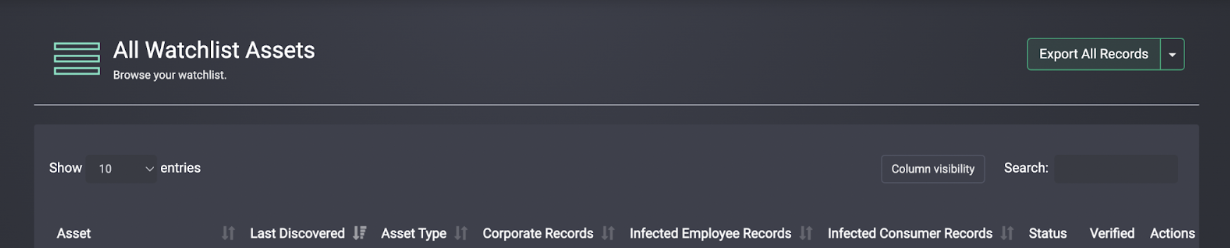
You can export breach data to CSV files for deeper analysis.
- Select the records or use “Export All”
- The system generates large exports in the background
- You’ll receive an email when the file is ready (available for 6 hours)
📋 Your Watchlist
The Watchlist is where you register the identifiers SpyCloud will monitor:
- 🌐 Domains
- 📧 Email addresses
- 🖥️ IP addresses
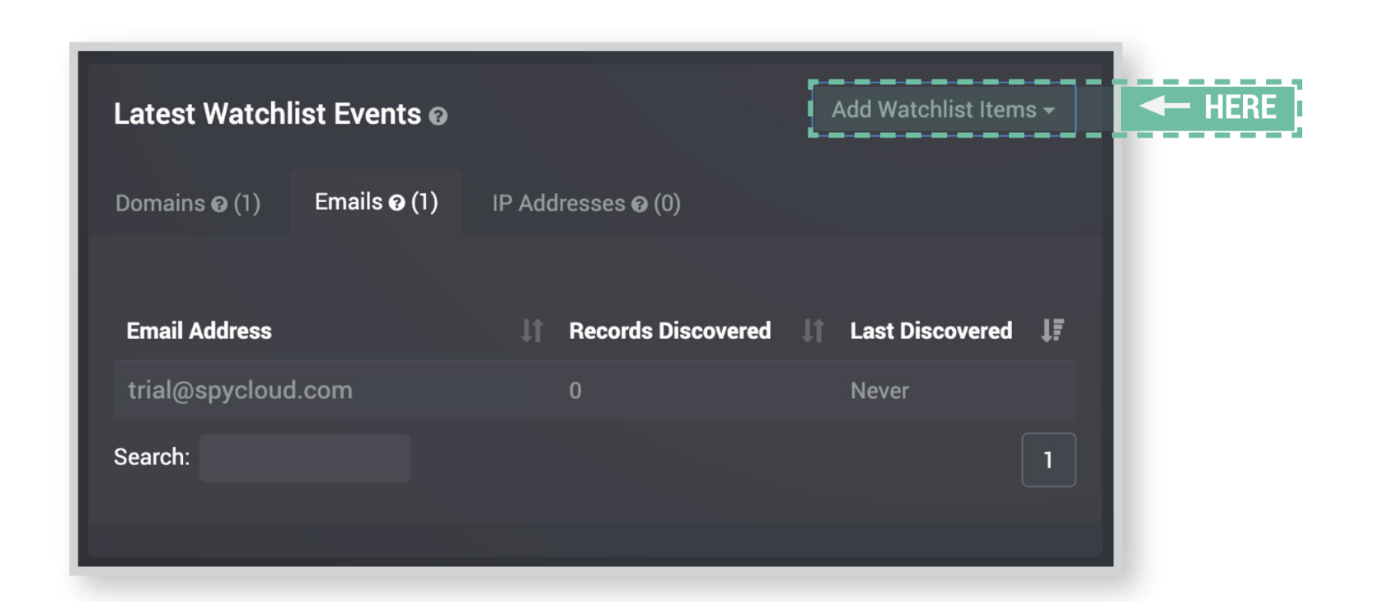
Image: Example of Watchlist identifiers in the Portal
Best practice: Include your corporate domains, executive emails, and key IP ranges. Subdomains are automatically covered if the parent domain is monitored.
🕵️ Recent Records
Each time SpyCloud ingests data matching your Watchlist, new exposures appear in the Recent Records tab.
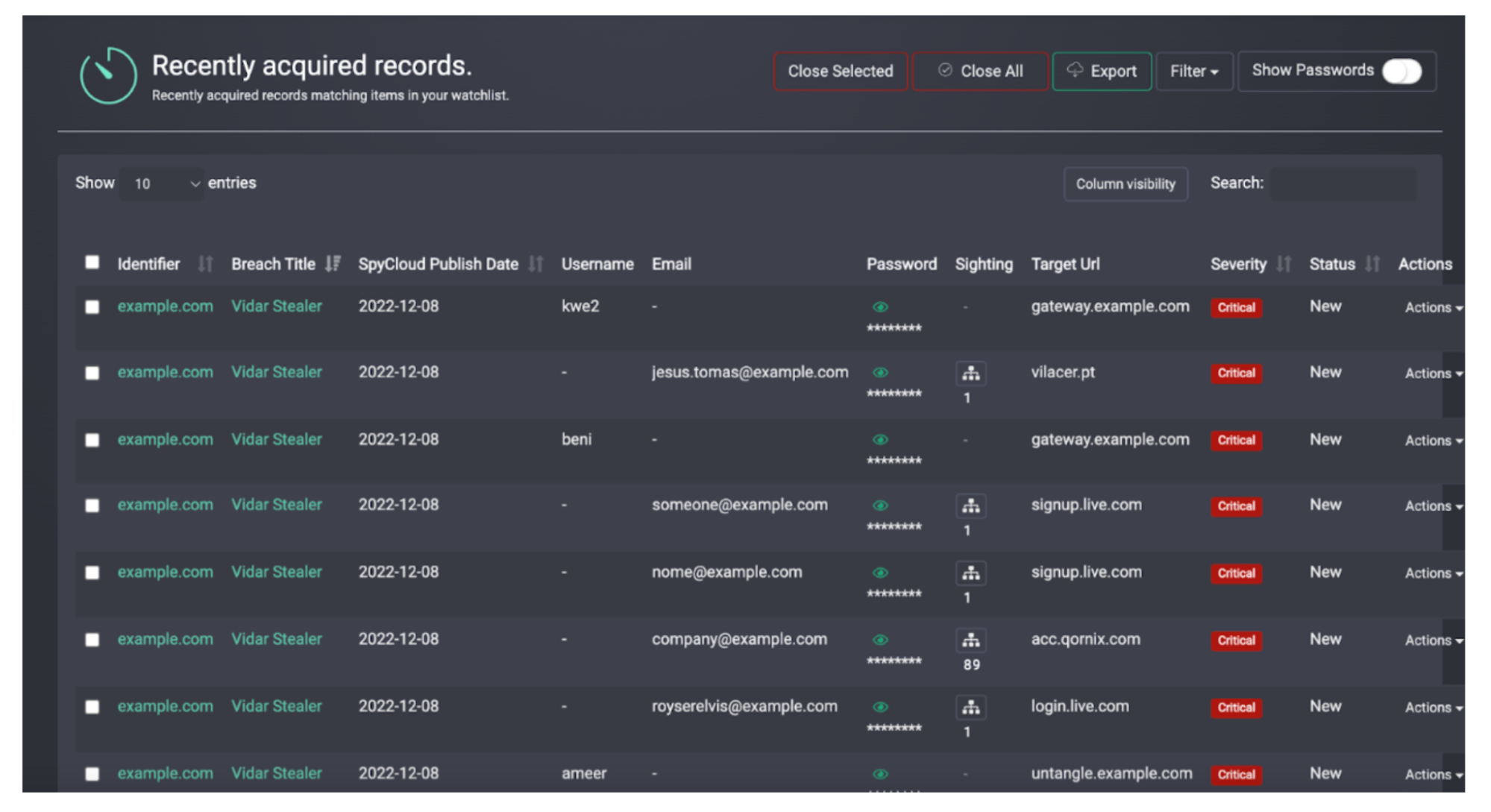
Image: Recent Records list
Actions you can take
- 🔎 Open and inspect exposure details
- 📂 Export for further analysis
- ✅ Close records once addressed
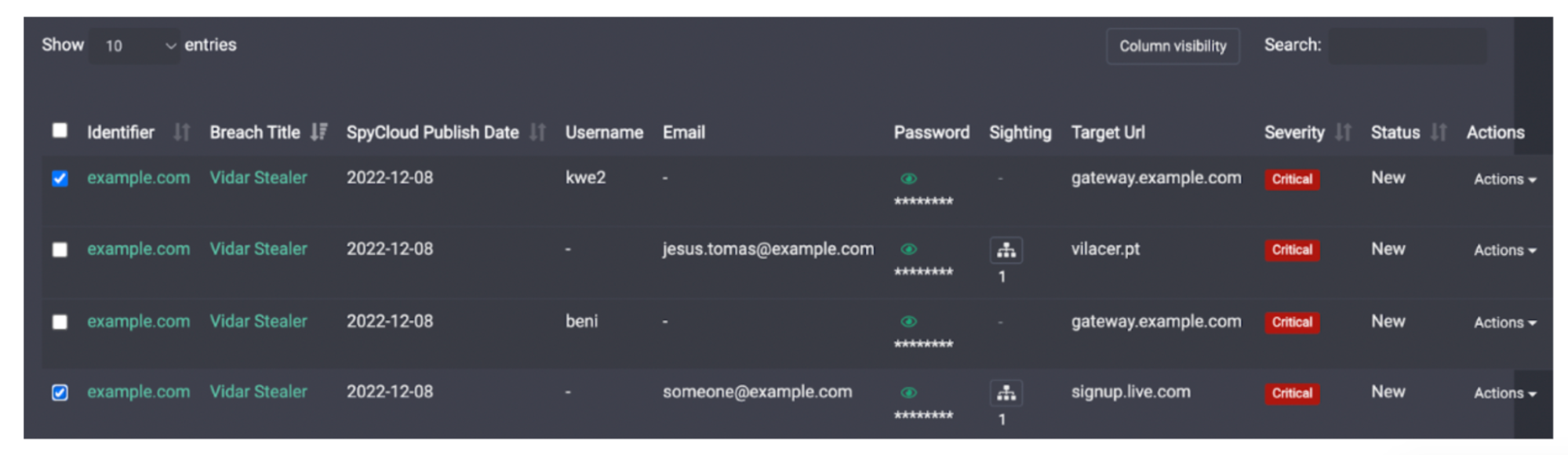
Image: Bulk selection and removal of Recent Records
⚖️ Breach Severity
SpyCloud categorizes breach records into four severity levels:
- 2 – Email Only 📨 — email-only lists with no passwords
- 5 – Informational ℹ️ — no password or only non-crackable hashes
- 20 – High 🔐 — email + plaintext password
- 25/26 – Critical 🚨 — malware-exfiltrated data (cookies, plaintext credentials, botnet logs)
- 30 – Access 🥷🔑💻 — cookie session or token access tied to a specific identity
For more info on severity scores and source types, read more about our data here.
📢 Notification Preferences
Admins can configure notifications under the Admin menu.
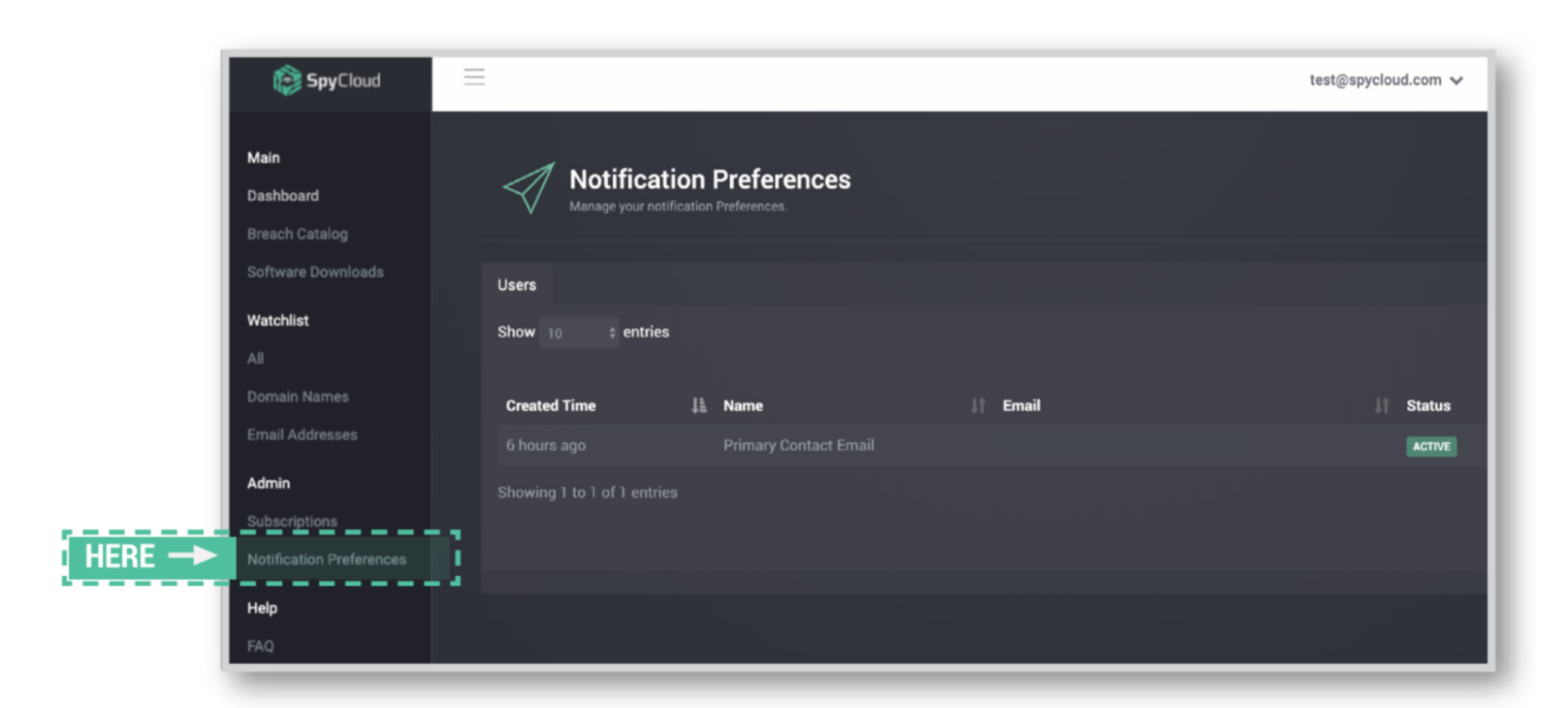
Image: Notifications settings in the Portal
Weekly ingest email
- Receive a weekly summary of new exposures
- Helps you stay informed without logging in daily
Webhook notifications
- Real-time HTTP POSTs to your systems when new data arrives
- Enables automation for faster response
- Avoids manual polling
✅ Summary
Your SpyCloud Portal provides everything you need to:
- Verify and manage identifiers
- Review Recent Records
- Understand Breach Severity
- Export actionable data
- Stay on top of exposures via notifications & webhooks
Updated 3 months ago