
Uninstalling ADG Using the Installer
🖱️ Uninstalling via Installer
- Double-click the AD Guardian installer.
If you’ve misplaced the installer, there is one located in your install folder here: C:\ProgramData\SpyCloud\AD Guardian\7\Installer.exe
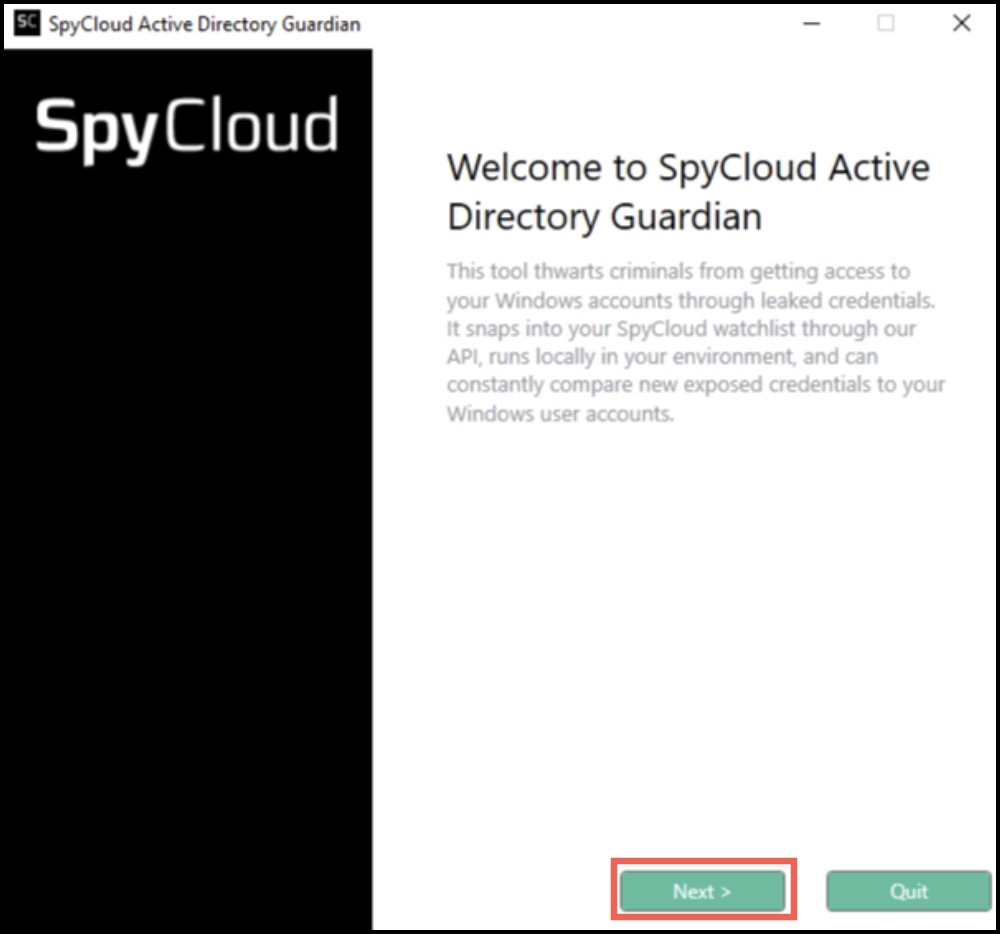
- After launching, click Next.
- On the next screen, click Uninstall.
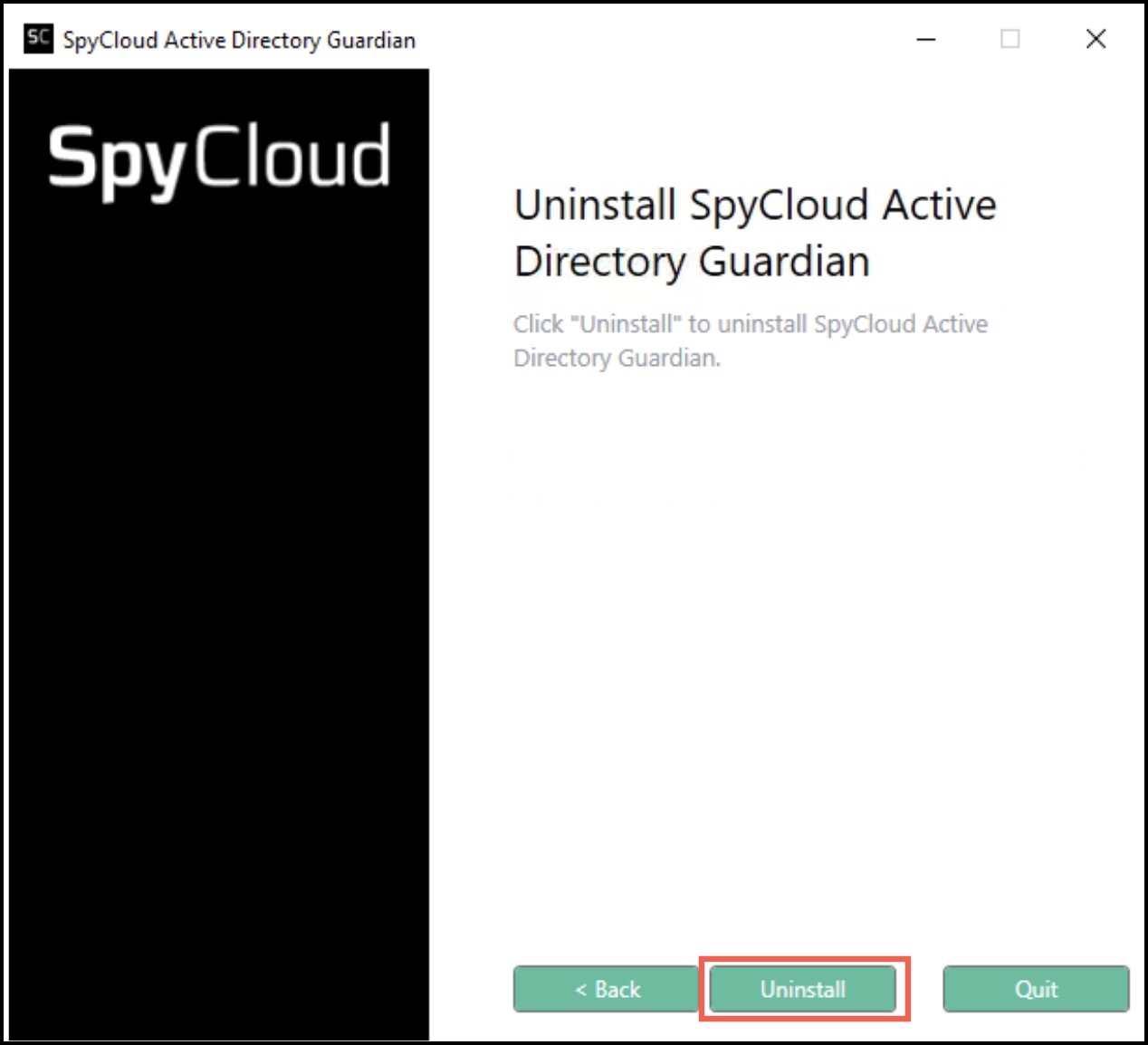
Once the uninstall operation finishes, SpyCloud AD Guardian will be removed from the system.
💻 Uninstalling via CLI
To uninstall from the command line you will need to run the installer executable from the command line with the upgrade option like this:

When the upgrade is completed, you should see a message like this:

Exit Codes
After the uninstall is complete, the exit code for the process will be stored in the errorlevel variable in the environment
0 - The CLI command executed successfully
2 - The CLI command encountered an error and could not execute successfully
To see this value, you can echo it using the following command:

Updated about 1 year ago